
Specialized tools covering text, audio, images, files, Russian Cyrillic, Japanese Katakana, Wingdings, and Ubbi Dubbi. All browser-based, instant, and completely free — no account, no download, no limits.
InMorseCode is the most comprehensive free Morse code platform available online. Every tool is purpose-built, browser-based, and requires zero installation. Choose the translator that matches your input type, language, or use case.




Morse code is a method of encoding text as a sequence of two signals — short signals called dots (·) and long signals called dashes (—). Each letter, number, and punctuation mark in the alphabet is assigned a unique combination of these signals. The system was developed by Samuel Morse and Alfred Vail in the 1830s–1840s for use with the electric telegraph, enabling messages to travel across vast distances in seconds for the first time in human history.
The International Morse Code — standardized by the International Telecommunication Union (ITU-R M.1677-1) — uses 26 Latin letters, 10 Arabic numerals, and a set of punctuation marks. But Morse code extends far beyond English. The Russian Cyrillic alphabet has its own 33-letter Morse standard dating to 1856. Japanese Katakana uses the Wabun code system developed in 1942. Other national telegraph systems adapted Morse for their own scripts throughout the 19th and 20th centuries.
Today, Morse code remains in active use among amateur radio operators (ham radio CW contacts), in aviation navigation beacons (VOR and NDB identifiers), as an accessibility input method for people with motor disabilities, and in emergency survival communications. It is also used extensively for education, historical research, military history, puzzle design, and creative projects.
Timing Rule (ITU Standard): A dot = 1 unit. A dash = 3 units. Gap between signals within a character = 1 unit. Gap between characters = 3 units. Gap between words = 7 units. These ratios are preserved in all audio output on this platform.
With tools available, picking the right one is straightforward once you know what your input is and what output you need. Use this quick guide.
Type or paste plain English, Russian, or Japanese text and need Morse code output.
Pro tip: For the most complete Morse experience — including downloadable audio files, custom WPM speed, pitch, and Farnsworth timing — always choose the Advance Morse Code Machine. It is the most fully-featured tool on the platform and suitable for professional ham radio use.
Who Uses These Tools
The tools on InMorseCode serve a wide range of users — from professional ham radio operators to educators, historians, game designers, and developers. Here are the primary use cases.
Ham radio operators use Morse code (CW — Continuous Wave) for shortwave contacts, contest operating, and emergency communications. Encode and decode messages, practice at custom WPM speeds, and download audio for pre-transmission verification.
From complete beginners learning the A–Z alphabet to advanced students tackling Cyrillic or Wabun code. Practice listening at different speeds, use the reference table, and loop audio for ear training with the repeat function.
Decode fragments from WWII Soviet telegraph transcripts, verify Morse encodings of historical messages, or convert Russian Cyrillic wartime communications. Audio upload enables decoding of period recordings.
Run live classroom demonstrations, create Morse encoding challenges, and distribute exercises via the share link feature. Light mode output makes for compelling visual demonstrations on any screen or projector.
Create authentic Morse code clues, symbol cipher puzzles with Wingdings, Ubbi Dubbi language games, or Japanese Wabun code challenges. Generate shareable audio files for immersive in-game audio props.
Validate Cyrillic or Wabun Morse encoding logic, test dot-dash timing ratios, debug edge cases in custom encoder builds, or benchmark audio synthesis output. All tools serve as live reference validators.
Pro Tip: To decode Russian Morse code back to Cyrillic text, type your dot-dash sequence into the input box (use · or . for dots, — or – for dashes, single space between letters, / between words), then click Обратно (Reverse). The decoded Russian text appears instantly in the result panel.
Output updates as you type — no submit button, no delay.
Hear your Morse code as authentic CW tones or telegraph sounder clicks.
Visual flash output for classroom demos or accessibility use.
Feel Morse code through your phone’s haptic motor on mobile devices.
Generate a shareable URL containing your message and settings.
Save Morse audio as a file for offline use, games, or radio prep.
All tools work in both directions — encode and decode with one click.
Everything runs in your browser. No data is sent to any server.
Common questions about Morse code, the tools on this platform, language support, and how to get started.
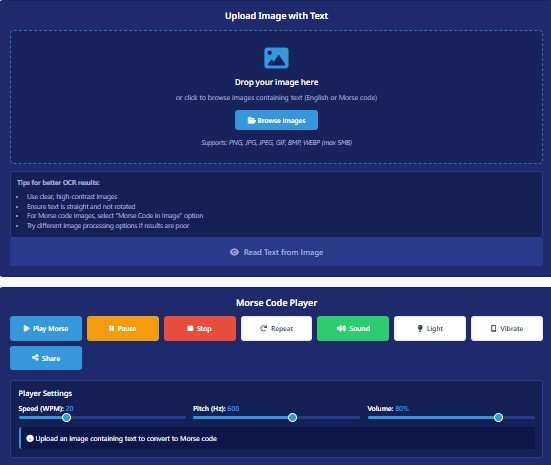
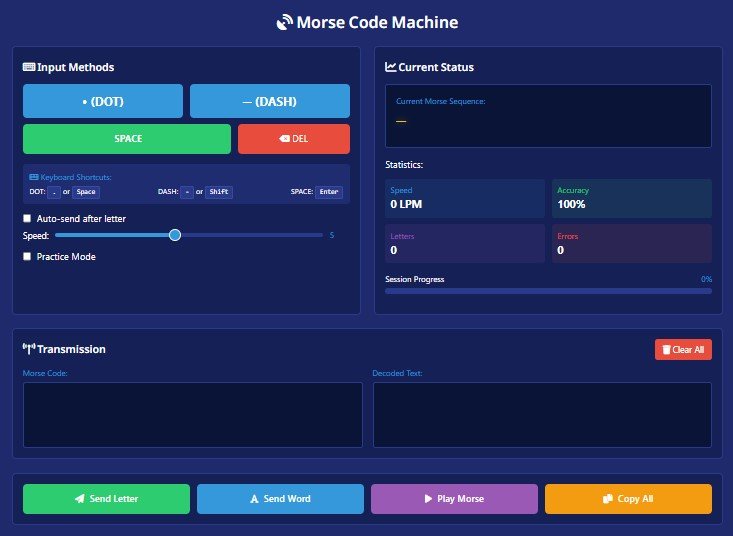
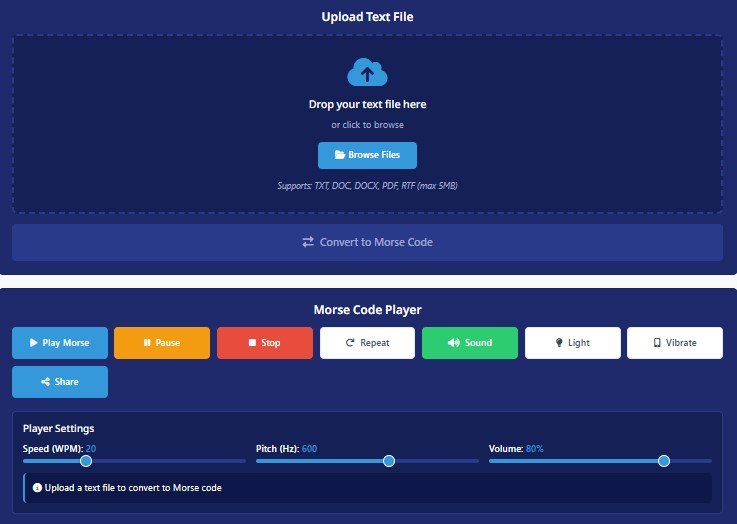
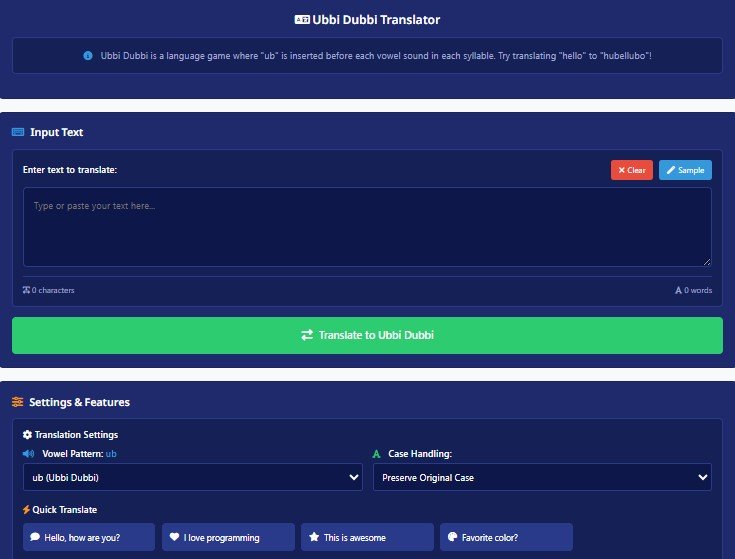
InMorseCode offers the most comprehensive free Morse code platform available, with 9 specialized tools covering text, audio, images, file uploads, Russian Cyrillic, Japanese Katakana, Wingdings, and Ubbi Dubbi. All tools are browser-based with no signup, no download, and no usage limits. The Advance Morse Code Machine is the most fully-featured text-to-Morse tool, while the Morse Machine is the fastest option for quick conversions.
Go to either the Morse Machine or the Advance Morse Code Machine. Type your text in the input box and the Morse code appears instantly in the output panel. Each letter is separated by a space, each word by a slash (/), following the ITU standard. You can then copy the output, play it as audio, download it, or share it via a link.
Yes. The Audio To Morse Code Translator accepts uploaded audio files and decodes the Morse signal back into readable text. Upload your WAV, MP3, or OGG recording, and the tool processes the signal to identify dots and dashes and convert them to letters. This is especially useful for amateur radio operators reviewing received CW transmissions or historians working with telegraph recordings.
Yes. The Russian Morse Code Translator supports the full 33-letter Russian Cyrillic alphabet based on the 1856 Russian imperial telegraph standard. It handles all uniquely Russian characters — Ж, Ц, Ш, Щ, Ъ, Ы, Ь, Э, Ю, Я — which have no Latin Morse equivalent, and includes the shared Е/Ё code (·). The tool provides full audio playback with adjustable WPM and pitch, light mode, vibration, and one-tap audio download.
Yes. The Japanese Morse Code Translator supports Wabun code — the official Japanese Katakana Morse code system developed in 1942 and still used by Japanese amateur radio operators today. Wabun assigns unique dot-dash sequences to all 46 Katakana syllables, making it entirely distinct from International Morse code. The tool encodes and decodes in both directions.
Wabun code (also called Japanese Morse code) is a variation of Morse code for the Japanese Katakana syllabary, established in 1942. While International Morse code covers 26 Latin letters, Wabun code maps unique dot-dash sequences to each of the 46 Katakana characters (plus a few extended symbols). The codes are entirely different — a sequence that means a Latin letter in International Morse will mean something completely different in Wabun. Use the Japanese Morse Code Translator specifically for Katakana content.
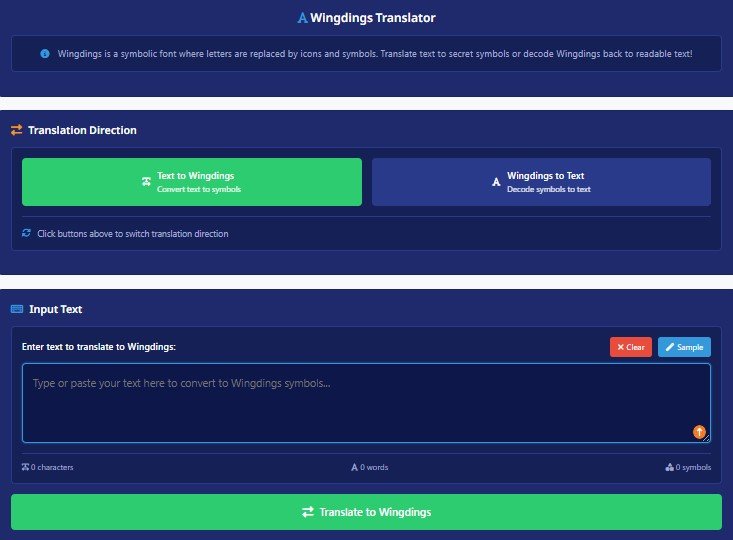
Wingdings is a symbol font developed by Microsoft in 1990 that maps standard keyboard characters to pictographic symbols — arrows, hands, stars, crosses, and other icons. The Wingdings Translator converts plain English text into its Wingdings equivalent character by character, and can also decode Wingdings symbols back to readable text. It is widely used for typography art, puzzle design, and cipher-based escape room clues.