
Explore free online Morse code translators and decoding tools for text, audio, images, files, and more. Convert text to Morse code, decode Morse into readable text, or choose a specialized translator for your specific needs. All tools are browser-based and designed for fast, simple, and accurate results.
Find the Right Morse Code Translator
Not every Morse code task is the same. Choose a translator based on what you want to convert or decode.
Best for: Everyday text ↔ Morse translation
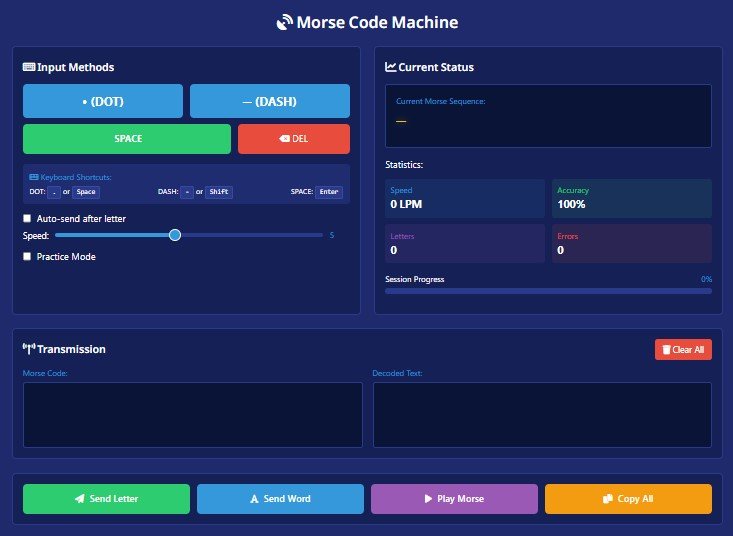
Convert text to Morse code or decode Morse back into readable text using an interactive Morse machine. Play your result as audio and adjust settings for different practice needs.
Best for: Custom Morse settings and advanced practice
Use advanced controls to create and listen to Morse code with greater control over speed, sound, and timing. It’s useful for learners, CW practice, and users who want more customization.
Best for: Morse code from audio recordings
Work with Morse code contained in audio and convert signals into readable information. This tool is useful for recordings, practice sessions, radio signals, and Morse audio analysis.
Best for: Photos, screenshots, and images containing Morse
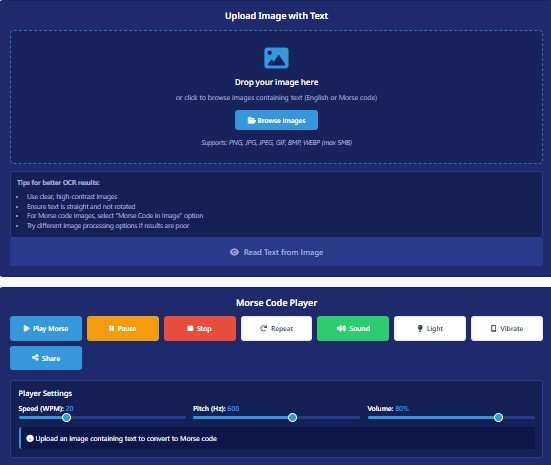
Upload an image containing dots, dashes, or Morse code and use the image decoder to help extract and interpret the message. Useful for screenshots, puzzles, photographs, and scanned materials.
Best for: Japanese text and Wabun Morse
Explore Japanese Morse code using the Wabun code system. Convert supported Japanese characters into their corresponding Morse representations and learn how Morse is adapted for Japanese writing.
Best for: Cyrillic and Russian Morse code
Translate supported Russian and Cyrillic text into Morse code and decode Morse back into readable Russian text. Useful for language learners, researchers, and anyone exploring international Morse systems.
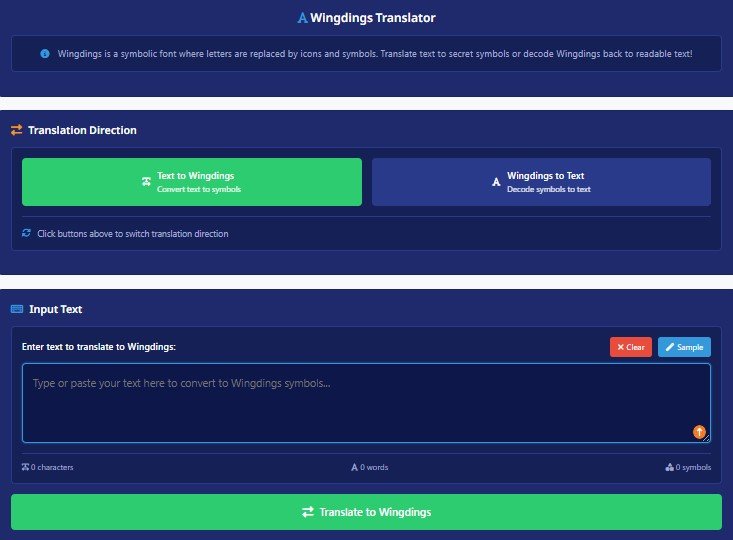
Best for: Converting text into Wingdings symbols
Experiment with Wingdings and explore how ordinary text can be represented using symbolic characters. This is a fun companion tool for puzzles, creative projects, and alternative text transformations.
Best for: Fun language transformation
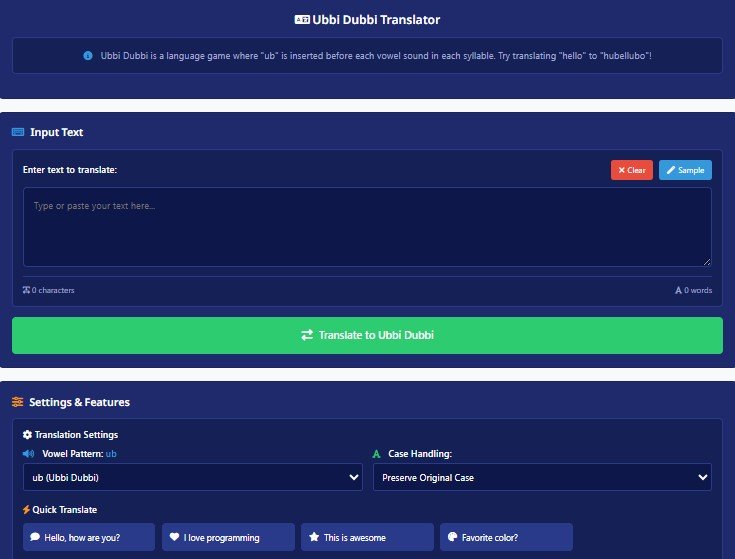
Transform ordinary text using the playful Ubbi Dubbi language pattern. Try it for language games, puzzles, creative writing, and entertainment.
InMorseCode brings multiple Morse code translation and decoding tools together in one place, so you don’t have to search for a different tool every time you need to work with Morse code. Whether you’re converting a short message, decoding an image, analyzing an audio recording, or exploring Morse code in another language, you can choose a tool designed for the task.
Convert text and Morse code directly in your browser without complicated software or installations. Our tools are designed to provide quick results while keeping the interface simple for beginners and experienced users.
Translate in both directions. Enter ordinary text to generate Morse code, or paste dots and dashes to decode Morse into readable text. This makes the platform useful for learning, communication, puzzles, and quick reference.
Morse code isn't always available as plain text. Use specialized tools to work with Morse found in images, screenshots, photographs, and audio recordings, making real-world decoding easier.
Work with more than just typed messages. Depending on the tool, you can process audio, images, and text files, giving you more flexibility when decoding Morse code from different sources.
Explore dedicated translators for languages and systems that require specialized Morse code conventions, including Japanese Morse Code and Russian Morse Code.
Our translators are designed to be accessible without paid software or complicated setup. Browser-based processing also makes it convenient to translate Morse code from a desktop, laptop, tablet, or supported mobile device.




Morse code is a method of encoding text as a sequence of two signals — short signals called dots (·) and long signals called dashes (—). Each letter, number, and punctuation mark in the alphabet is assigned a unique combination of these signals. The system was developed by Samuel Morse and Alfred Vail in the 1830s–1840s for use with the electric telegraph, enabling messages to travel across vast distances in seconds for the first time in human history.
The International Morse Code — standardized by the International Telecommunication Union (ITU-R M.1677-1) — uses 26 Latin letters, 10 Arabic numerals, and a set of punctuation marks. But Morse code extends far beyond English. The Russian Cyrillic alphabet has its own 33-letter Morse standard dating to 1856. Japanese Katakana uses the Wabun code system developed in 1942. Other national telegraph systems adapted Morse for their own scripts throughout the 19th and 20th centuries.
Today, Morse code remains in active use among amateur radio operators (ham radio CW contacts), in aviation navigation beacons (VOR and NDB identifiers), as an accessibility input method for people with motor disabilities, and in emergency survival communications. It is also used extensively for education, historical research, military history, puzzle design, and creative projects.
Timing Rule (ITU Standard): A dot = 1 unit. A dash = 3 units. Gap between signals within a character = 1 unit. Gap between characters = 3 units. Gap between words = 7 units. These ratios are preserved in all audio output on this platform.
Choose your tool based on the type of content you’re working with
Use Morse Machine to convert your text into dots and dashes or decode Morse back into readable text.
Use Image to Morse when the Morse code appears inside an image, photograph, screenshot, or scanned document.
Use Audio to Morse to work with Morse code contained in sound recordings.
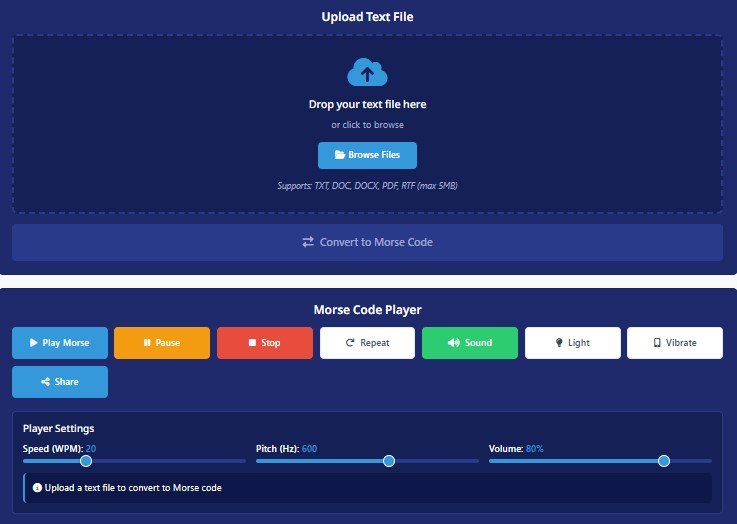
Use Text File to Morse when you need to process text stored in a file instead of entering it manually.
Use the Japanese Morse Code Translator for supported Japanese text and Wabun code.
Use the Russian Morse Code Translator for supported Russian and Cyrillic text.
Pro tip: For the most complete Morse experience; including downloadable audio files, custom WPM speed, pitch, and Farnsworth timing, always choose the Advance Morse Code Machine. It is the most fully-featured tool on the platform and suitable for professional ham radio use.
Who Uses These Tools
The tools on InMorseCode serve a wide range of users, from professional ham radio operators to educators, historians, game designers, and developers. Here are the primary use cases.
Ham radio operators use Morse code (CW, Continuous Wave) for shortwave contacts, contest operating, and emergency communications. Encode and decode messages, practice at custom WPM speeds, and download audio for pre-transmission verification.
From complete beginners learning the A–Z alphabet to advanced students tackling Cyrillic or Wabun code. Practice listening at different speeds, use the reference table, and loop audio for ear training with the repeat function.
Decode fragments from WWII Soviet telegraph transcripts, verify Morse encodings of historical messages, or convert Russian Cyrillic wartime communications. Audio upload enables decoding of period recordings.
Run live classroom demonstrations, create Morse encoding challenges, and distribute exercises via the share link feature. Light mode output makes for compelling visual demonstrations on any screen or projector.
Create authentic Morse code clues, symbol cipher puzzles with Wingdings, Ubbi Dubbi language games, or Japanese Wabun code challenges. Generate shareable audio files for immersive in-game audio props.
Validate Cyrillic or Wabun Morse encoding logic, test dot-dash timing ratios, debug edge cases in custom encoder builds, or benchmark audio synthesis output. All tools serve as live reference validators.
Pro Tip: To decode Russian Morse code back to Cyrillic text, type your dot-dash sequence into the input box (use · or . for dots, or – for dashes, single space between letters, / between words), then click Обратно (Reverse). The decoded Russian text appears instantly in the result panel.
Output updates as you type; no submit button, no delay.
Hear your Morse code as authentic CW tones or telegraph sounder clicks.
Visual flash output for classroom demos or accessibility use.
Feel Morse code through your phone’s haptic motor on mobile devices.
Generate a shareable URL containing your message and settings.
Save Morse audio as a file for offline use, games, or radio prep.
All tools work in both directions; encode and decode with one click.
Everything runs in your browser. No data is sent to any server.
Want to understand Morse code instead of simply translating it? Explore our learning guides, reference resources, and practice materials.
Learn how Morse code works, how dots and dashes represent characters, and why this communication system remains useful today.
Use a complete Morse code reference to quickly find the signals for letters, numbers, and commonly used punctuation.
Improve your recognition and sending skills with practical Morse code exercises and online training resources.
Manual Morse code decoding can be useful for learning, but an online translator makes it much faster to verify a message, test a conversion, or work with longer content.
With InMorseCode, you can choose a tool based on the type of information you’re working with instead of forcing every task through one basic translator.
From simple text-to-Morse conversion to image decoding, audio processing, file conversion, and international Morse systems, the translator collection gives you a dedicated option for different use cases.
For learners, the tools can also be combined with Morse code charts, practice guides, CW generators, and timing resources to create a complete learning workflow.
Common questions about Morse code, the tools on this platform, language support, and how to get started.
A Morse code translator converts ordinary text into Morse code or decodes Morse code back into readable text. Depending on the tool, it may also work with audio, images, or text files.
Yes. InMorseCode provides free browser-based Morse code translation and decoding tools. You can choose different translators depending on whether you’re working with text, audio, images, files, or specialized languages.
Yes. You can decode Morse code into readable text using the Morse Machine. Enter the dots and dashes with the appropriate spacing and the translator will convert the sequence into text.
Yes. Enter your English text into the Morse Machine and it will generate the corresponding Morse code using the International Morse Code standard.
Yes. Use the Image to Morse Translator to work with Morse code contained in images, screenshots, photographs, and other supported visual formats.
Yes. The Audio to Morse Translator is designed to help you work with Morse code contained in audio recordings and signals.
Yes. The Text File to Morse tool allows you to work with text stored in a file instead of manually entering the entire message.